
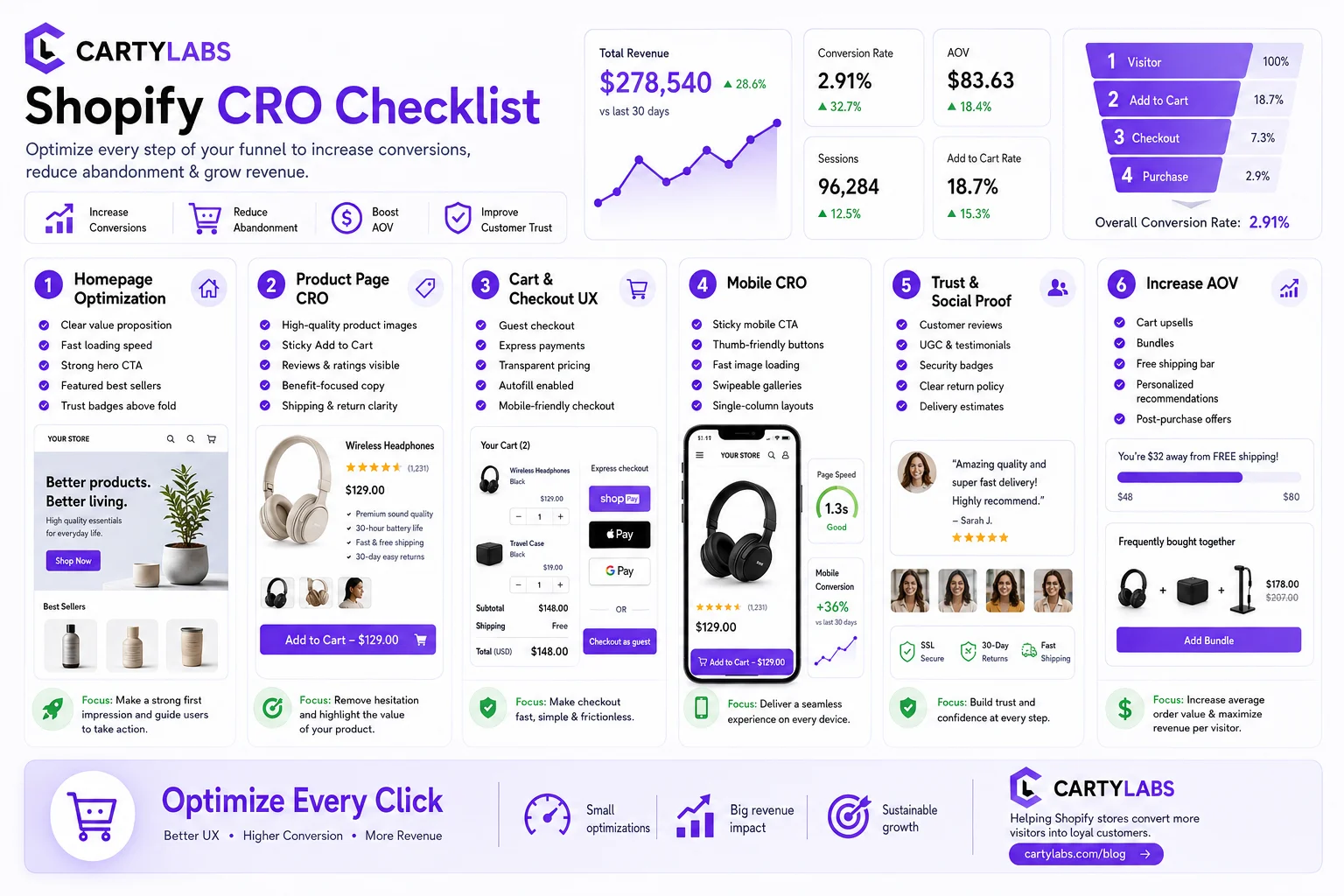
The Shopify CRO Checklist: 80 Fixes That Actually Move Conversion in 2026
A no-fluff conversion rate optimization checklist for Shopify. Homepage, PDP, cart, checkout, and post-purchase. 80 high-impact fixes ordered by leverage, with the diagnostic question for each.
In this article
- 01 Diagnostic first (run this before anything else)#
- 02 Homepage (1–10)#
- 03 Collection and category pages (11–20)#
- 04 Product detail page (21–35)#
- 05 Cart and cart drawer (36–50)#
- 06 Checkout (51–65)#
- 07 Post-purchase and retention (66–75)#
- 08 Site-wide and technical (76–80)#
- 09 How to use this checklist#
Most Shopify CRO checklists are 200 items long, mostly cosmetic, and ranked alphabetically. This one is 80 items, ordered by impact, with the diagnostic question for each so you only ship the ones that apply to your store.
Use it as an audit, not a to-do list. Go top to bottom. Skip what you’ve already done. For each unchecked item, ask: “is this a problem on my store right now?” If yes, ship it. If no, move on.
For the strategic context, the Shopify checkout optimization guide is the pillar. This checklist is the operational layer below it.
Diagnostic first (run this before anything else)
Before fixing anything, instrument these four numbers. Without them, you’ll fix the wrong things.
- Sessions → ATC rate (target: 4–8%)
- ATC → checkout rate (target: 40–55%)
- Checkout → completion rate (target: 50–65%; see benchmarks)
- Mobile vs desktop split on each of the above
Whichever ratio is furthest below benchmark is where to start. Fixing the wrong stage is the most common mistake in CRO.
Homepage (1–10)
- Above-the-fold value prop. Does a first-time visitor understand what you sell and why in 3 seconds without scrolling? Diagnostic: 5-second test with someone unfamiliar.
- One primary CTA. Not three. The hero should send people to the highest-converting collection or a category quiz, not to the about page.
- Trust signals above the fold. Review count, “as seen in,” or a single testimonial. Skip these and bounce rates spike.
- Mobile hero loads in under 2.5s LCP. Diagnostic: Lighthouse mobile score. If LCP is bad, you’re losing 7–15% of mobile traffic before they ever see the page.
- Collection cards, not slideshows. Slideshows underperform static grids on every test we’ve seen since 2022.
- Best-sellers or bestseller badge visible. Choice paralysis kills homepage → PDP rate. Bestseller signals fix it.
- Sticky header with cart count. Visible cart at all times.
- Recently viewed strip. For returning visitors, prefill recently viewed products.
- Newsletter signup with first-order discount. Collect emails before they leave. Klaviyo flows do the rest.
- Footer trust strip. Payment logos, shipping policy, contact link, and reviews link.
Collection and category pages (11–20)
- Filterable, not just sortable. Price, size, and color filters. Sort-only loses 8–12% of users.
- Product card includes price, name, and one social-proof signal. Star rating or “bestseller.”
- Hover variant swatches. Color and size variants visible on the card without click-through.
- Quick add to cart from the collection card. 4–7% lift in collection→ATC for low-variant products.
- Sticky filter bar on mobile. Collapsing filters at the top is fine. Hiding them costs filter usage.
- Pagination plus load-more, not infinite scroll. Infinite scroll buries the footer and kills SEO.
- Collection-level review aggregate. “1,200+ five-star reviews across this collection.”
- Out-of-stock products demoted, not hidden. Keep them indexed. Let users notify-me.
- Wishlist or save-for-later button on the card. Adds returning-visit value.
- Loading skeletons. Perceived-performance lift on slower connections.
Product detail page (21–35)
- Hero image quality. Minimum 2 angles, 1 in-use shot, 1 scale-reference shot.
- Video on the PDP. A 15–30 second product video lifts PDP → ATC rate by 10–25% on most stores.
- Star rating above the fold. Under the title, with the review count.
- Above-the-fold sticky ATC on mobile. Sticks to bottom of viewport on scroll.
- Variant selector clarity. Out-of-stock variants greyed-out, not hidden.
- Size guide modal. Never a separate page. Apparel CR drops with off-page size guides.
- Shipping and returns line under ATC. “Free shipping over $X, free returns” in plain text.
- Estimated delivery date. “Order by 2pm for delivery Thursday,” computed dynamically.
- Frequently bought together or bundle widget. Drives both ATC and AOV. See AOV upsell strategies.
- Trust badges below ATC. Payment logos, secure-checkout, returns icon.
- Reviews section with photos. UGC photo reviews convert 2–3× better than text-only.
- Q&A section. Answers in line with reviews. Reduces support load and decision friction.
- “As seen on” or press logos. Single row, no scroll.
- Cross-sell strip below reviews. “Customers also bought,” with quick-add.
- Mobile photo carousel pinch-to-zoom. Table stakes. Missing it leaks mobile CR.
Cart and cart drawer (36–50)
- Cart drawer, not cart page. A slide-over drawer beats a dedicated cart page in 90%+ of tests.
- Free-shipping progress bar. Single highest-leverage cart element on Shopify, full stop.
- Editable quantities and variants inline. No PDP round-trip.
- Free-gift unlock. Tiered if possible (“free X at $75, free Y at $125”).
- Cart upsell: frequently bought together. Three AI-driven cards based on cart contents.
- One-tap quantity upsell. “Add another for 20% off,” inline.
- Subscribe-and-save toggle. For eligible products.
- Estimated delivery in the cart. Computed from default shipping zone.
- Trust strip above checkout button. Shop Pay, Apple Pay, and Google Pay icons.
- Stock urgency. “Only X left” on low-inventory items.
- Discount code field collapsible. Open by default loses CR. Collapsed beats both.
- Notes or gift message field. Opens on click.
- Persistent cart across sessions. Saved 30+ days.
- Quick links above checkout button. “Continue shopping” + “Shop Pay” + checkout, in that order.
- Express checkout above the line item list on mobile. Shop Pay button at top reduces tap distance.
Checkout (51–65)
- Express checkout buttons above email. Shop Pay, Apple Pay, and Google Pay visible without scroll.
- Address autocomplete. Google Places or Shopify native.
- Geo-IP country default. Pre-select country dropdown by IP.
- No forced account creation. Guest checkout always available.
- Newsletter opt-in unchecked by default. Checked-by-default in GDPR regions is a compliance risk.
- Phone optional plus microcopy. “For delivery questions only.”
- Inline shipping cost preview. Show shipping as soon as ZIP is entered.
- Branded checkout. Fonts and colors via the Branding API. See Checkout Extensibility.
- Trust badges inline. Small icons next to the form, not banner-style.
- Single testimonial on the right rail. Rotates based on cart contents.
- Sticky order summary on mobile. Collapse and expand at top of viewport.
- BNPL price-split preview. “Or 4 payments of $X,” above payment selector.
- Gift card field separate from discount code. Reduces user confusion.
- Shop Pay vault enabled. Single biggest mobile checkout lever.
- Clear, specific error messages. “ZIP not recognized for this country” beats “Invalid ZIP.”
Post-purchase and retention (66–75)
- Post-purchase one-click upsell. Single-product offer on Thank You page, added to original order.
- Account creation post-purchase, not pre. “Save your order, set a password.” 3–5× higher signup rate.
- Custom Thank You page content. Onboarding video, getting-started guide, referral CTA.
- Order tracking in Shop app or carrier. Surfaced on Thank You page.
- Klaviyo abandoned-cart flow. 3-email sequence minimum. See abandonment playbook.
- Browse-abandonment flow. For users who viewed but didn’t ATC.
- Win-back flow at 60, 90, and 180 days. Segmented by purchase frequency.
- Replenishment reminders for consumables. Auto-sent at expected runout.
- Referral program prompted at Thank You and post-delivery. Two-tap signup.
- Review request 7–14 days post-delivery. Photo review incentive.
Site-wide and technical (76–80)
- Mobile LCP under 2.5s, INP under 200ms. Diagnostic: real-user monitoring via Vercel or Shopify Web Pixels.
- Hreflang on multi-region stores. See multi-currency and multi-language cart.
- Currency switcher in header. Geo-detect default with manual override.
- A/B test framework wired up. Shopify Web Pixels plus Posthog or GrowthBook. Without it, every CRO change is a guess.
- Analytics: GA4, Shopify Analytics, Klaviyo, and one session-replay tool. This four-tool stack covers 95% of CRO diagnostic questions.
How to use this checklist
Three modes.
- Audit mode. Tick every item, list the unchecked ones, pick the top 10 by impact-for-effort. Ship over 4 weeks. For a sense of which items most stores actually miss, EcomHint audited 190 Shopify stores against a similar set of checks in their Shopify CRO benchmarks study — trust elements failed most often (61% of stores), UX least (15%).
- Diagnostic mode. Identify the worst funnel stage from the four diagnostic numbers, then only read the section that maps to it.
- Onboarding mode. New merchant? Items 1, 21, 36, 51, and 70 are the absolute minimum. Ship those first.
The strategic frameworks behind these items live in the checkout optimization guide, the AOV primer, and the mobile conversion guide.
If you want to ship items 36–50 (cart drawer) in an afternoon, Cartylabs handles all of them as a single app.
Related reading: The ecommerce CRO checklist.
Keep reading
All articles → The Ecommerce CRO Checklist: 60 Checks From Instrumentation to Post-Purchase
A platform-neutral conversion rate optimization checklist for ecommerce. Instrumentation, prioritization, test design, and 40 page-level checks across landing, product, cart, checkout, and post-purchase.
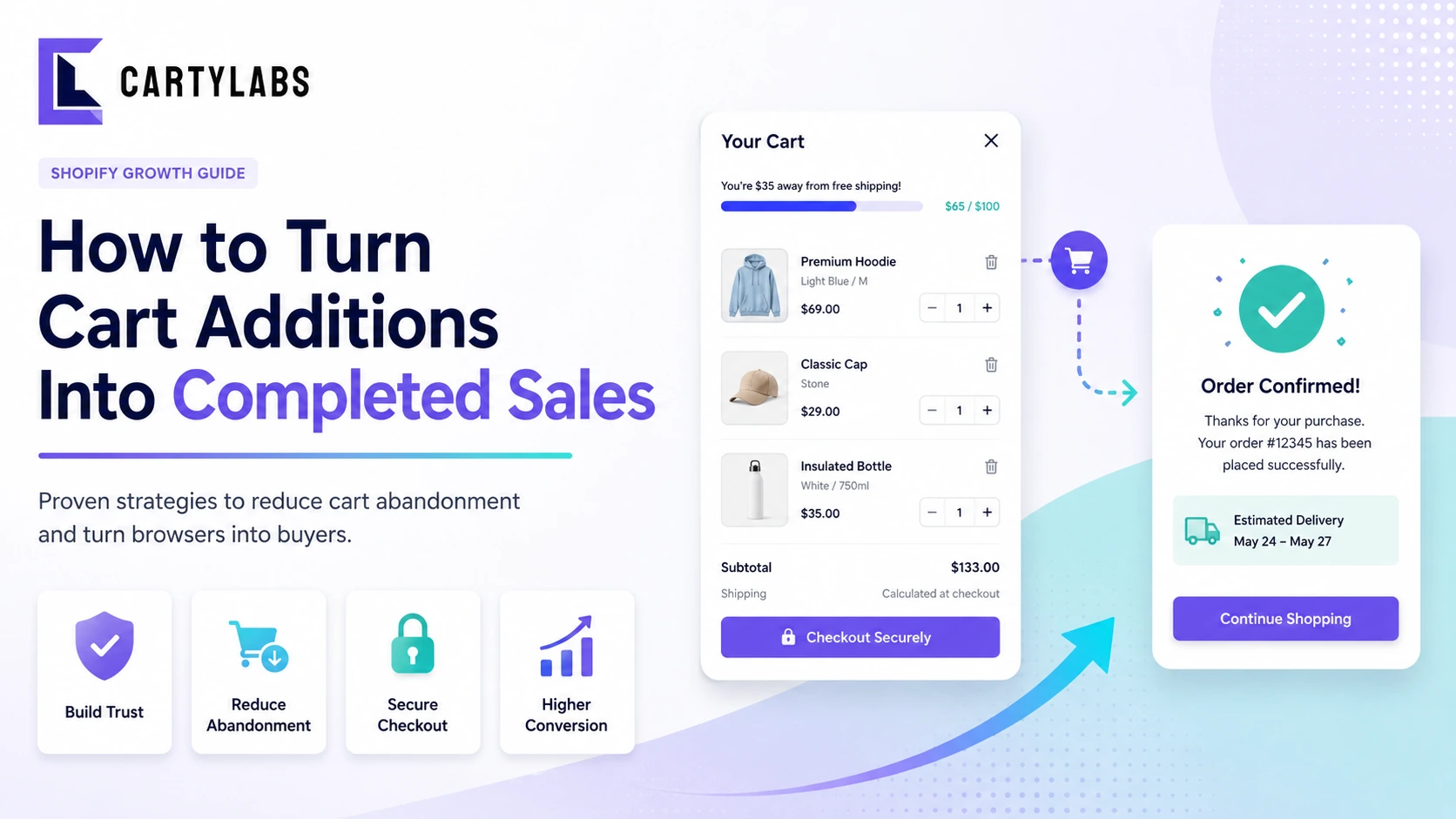
How to Turn Cart Additions Into Completed Sales on Shopify
Convert more Shopify cart additions into completed sales with proven tactics for reducing cart-to-checkout drop-off, optimizing the cart drawer, and timing reassurance messaging.
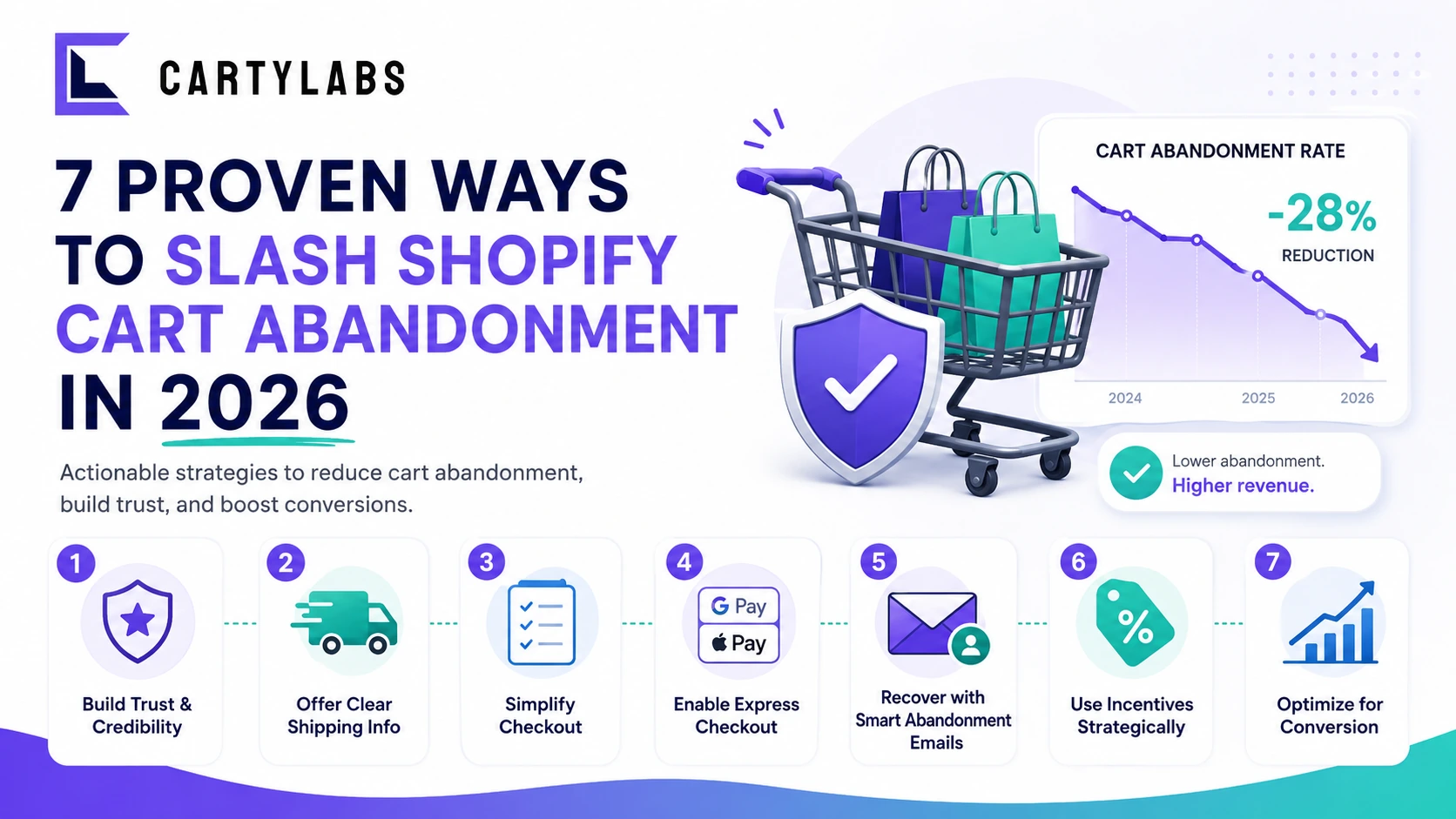
7 Proven Ways to Slash Shopify Cart Abandonment in 2026
Cut Shopify cart abandonment fast with seven field-tested tactics covering shipping transparency, express checkout, exit recovery, trust signals, and post-purchase win-back.
 Install Cart — Free