
Shopify Free Gift Rules: 6 Checks Before You Launch
Shopify free gift rules in Cartylabs Growth use cumulative cart tiers, gift choices, and optional auto-removal. Learn what happens as cart value changes.
In this article
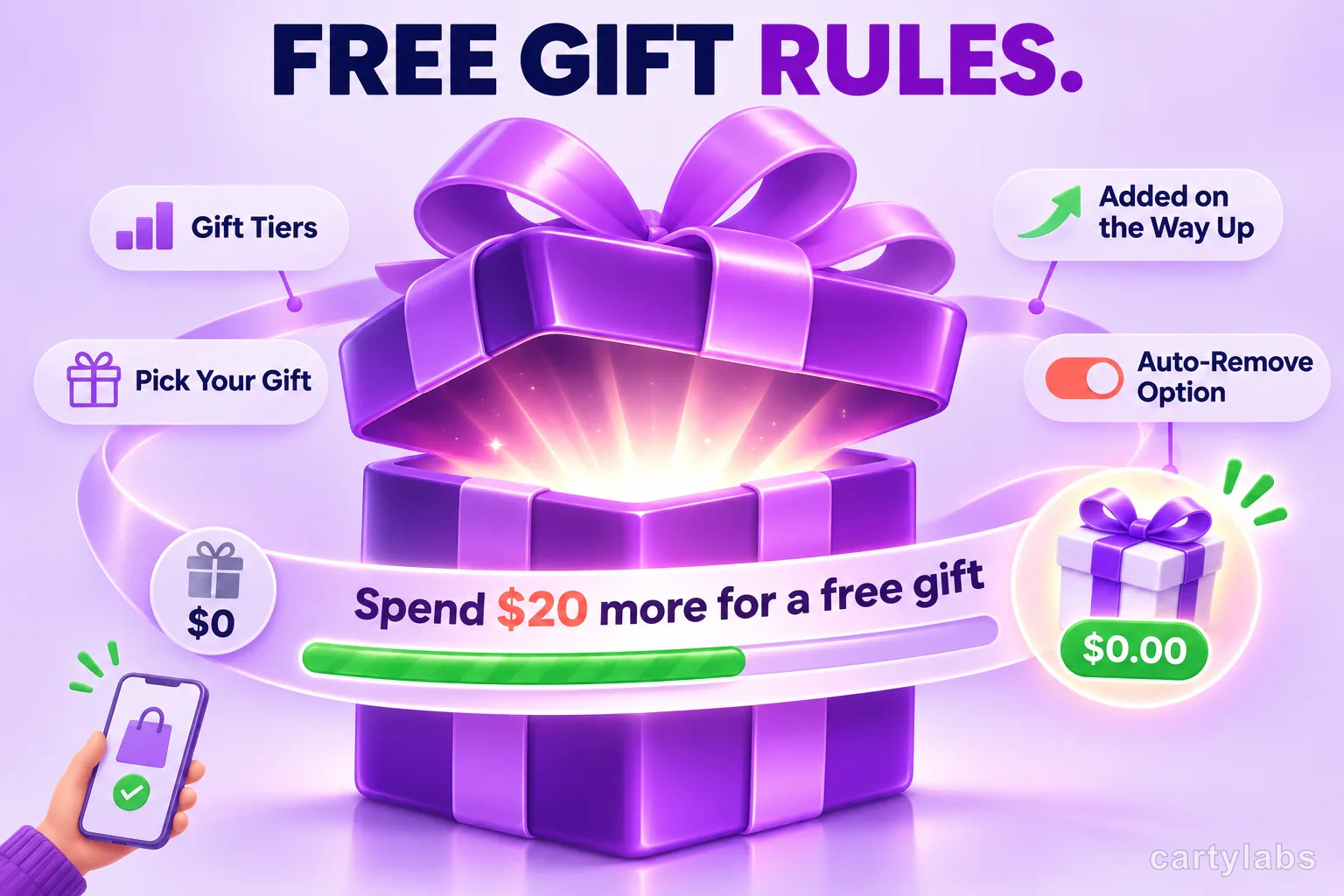
Cartylabs Growth free gift offers for Shopify unlock gifts when a cart reaches configured spend or item-count tiers. Single-variant gifts are added as a shopper crosses a tier, while tiers with choices let shoppers claim gifts from a picker; if the cart drops, gifts are removed only when that tier’s auto-remove setting is on. The details matter, so test both directions before a promotion goes live.
Key takeaways
- Earned tiers stack: each tier adds its own gift allowance, and reaching a higher tier keeps the lower tier’s allowance.
- A single gift variant is added on the way up. A choice of gift variants appears in a picker and requires the shopper to claim each gift.
- Dropping below a tier does not always remove a gift. The tier’s Auto-remove free gifts when going down a tier setting controls removal.
- Gift value does not count toward earning its own tier, and checkout applies the free-gift discount.
How do free gift tiers work in a Shopify cart?
A spend tier is earned when the cart reaches or equals its threshold. Quantity tiers count items. Cartylabs counts merchandise prices before discounts, subtracts the gift units made free by the tiers, and can optionally restrict qualifying products to items tagged fcsb-free-gift. Gift units therefore do not help the cart reach their own tier.
Tiers add up instead of replacing one another. Imagine a coffee store whose first tier offers one sample at $30 and second tier offers one additional sample at $50. A shopper at $50 qualifies for both allowances, or two samples in total. If the second tier’s gift count is set to two, the total allowance becomes three. You can make gift thresholds and choices reflect a real promotional plan, rather than assuming each higher tier erases the earlier reward.
For a broader campaign-planning overview, see our Shopify gift-with-purchase campaign guide and volume discount guide. The free gift feature page explains the app surface, and pricing lists plan access.
What happens when the cart reaches a gift tier?
For a tier configured with one gift variant, crossing the threshold causes the drawer to add the allowed units. It does this on the way up, not repeatedly while the tier remains earned. If the shopper removes a single gift, it stays removed on that page unless the shopper crosses the tier again; a new page load counts as crossing the already-earned tier, so the single gift can be added again.
When a tier offers several gift variants, Cartylabs shows a picker if the shopper is eligible and still has gift allowance available. The picker follows the cart: it can appear after page load, after an add crosses one or more tiers, and after a claimed gift is removed. Each claim adds one unit. Already-carted or sold-out choices are not offered. The picker does not add a gift until the shopper claims one.
If one cart change reaches multiple tiers, the applicable single-variant gifts are added and choice tiers are presented in order. A configuration can combine a lower tier with gift choices and a higher tier with a single gift. That higher-tier gift can be added while the lower-tier picker remains available.
What happens if the cart goes back below a tier?
A lower cart total does not automatically mean every gift disappears. Each tier has an Auto-remove free gifts when going down a tier setting. When it is on, dropping below that tier removes up to the tier’s gift allowance, while retaining gift units still needed by an earned tier and units the shopper paid for. When the setting is off, the tier does not remove its gift on the way down. New tiers start with this setting off, so confirm it deliberately when creating the offer.
Example: a coffee cart qualifies for a $30 tier and the shopper claims one sample. They remove a bag and fall below $30. With auto-removal enabled, the gift is removed; with it disabled, Cartylabs does not remove it because of that tier drop. The option applies per tier, so a multi-level offer needs a decision at each level.
Gift units are allocated from the cheapest eligible cart units first, and a unit counts for only one tier. Equal-priced units use the newest cart line first. That allocation keeps the drawer and checkout aligned about which units are free. Units beyond the configured allowance remain paid.
Does Cartylabs make the gift free at checkout?
Cartylabs uses the gift discount at checkout, and the drawer uses the same allocation logic to determine which units are free. But other discounts can affect the final result. Shopify combines the gift discount with another discount only if both discounts allow the combination. If discounts cannot combine, Shopify keeps whichever saves the shopper more; the drawer cannot know in advance which discount Shopify will keep.
Before launch, review active discount combinations and test the offer with a sale or code you expect shoppers to use. A gift that appears eligible in the drawer is not a reason to promise that every other discount stacks with it.
How should I test a free gift offer on desktop and mobile?
The same tier rules apply whether a shopper uses desktop or mobile. Test the experience on both: cross each threshold, inspect automatic gifts, open and use the picker, remove a cart item, and check what happens below each tier. Confirm the gift remains free at checkout and that the selected gift is still offered as expected. Do not assume a different device changes the rule or eligibility.
A useful prelaunch checklist:
- Check a cart just below, exactly at, and above each spend threshold.
- For quantity tiers, vary item count and make sure gift units do not count toward their own tier.
- Test each gift choice, including a sold-out variant if applicable.
- Remove a claimed gift, then reload the page and see whether it is offered or added again as expected.
- Drop below each tier with auto-remove both on and off where relevant.
- Test the checkout outcome alongside any active sale or discount code.
For more context on cart drawer layout and behavior and free-shipping thresholds, see the related guides. Start with a simple tier structure and explain the qualification clearly in your promotion copy.
FAQ
Does the shopper have to add a free gift?
If a tier has one gift variant, Cartylabs adds the allowed gift when the cart rises past that tier. If the tier has several choices, the shopper chooses from a picker and claims each gift.
Are gifts removed when a shopper falls below the threshold?
Only if Auto-remove free gifts when going down a tier is enabled for that tier. New tiers start with it off.
Do gift tiers stack?
Yes. Each earned tier adds its own gift allowance, and higher tiers retain the allowance from lower tiers.
Does a gift count toward the spend threshold?
Gift units made free by the tiers are subtracted from the amount that counts toward tiers. Quantity tiers count item units, but the gift does not earn its own tier.
Is free gift with purchase included on every Cartylabs plan?
No. Free gift offers are a Growth feature. See Cartylabs pricing for current plan details.
Next steps
Related Shopify resources
Practical tools and product pages related to this guide.
Keep reading
All articles →
Gift With Purchase: 11 GWP Campaigns That Print Money on Shopify
Gift With Purchase campaigns lift AOV 18-30% when designed right. The 11 GWP types, the threshold math, and the Shopify implementation patterns for 2026.
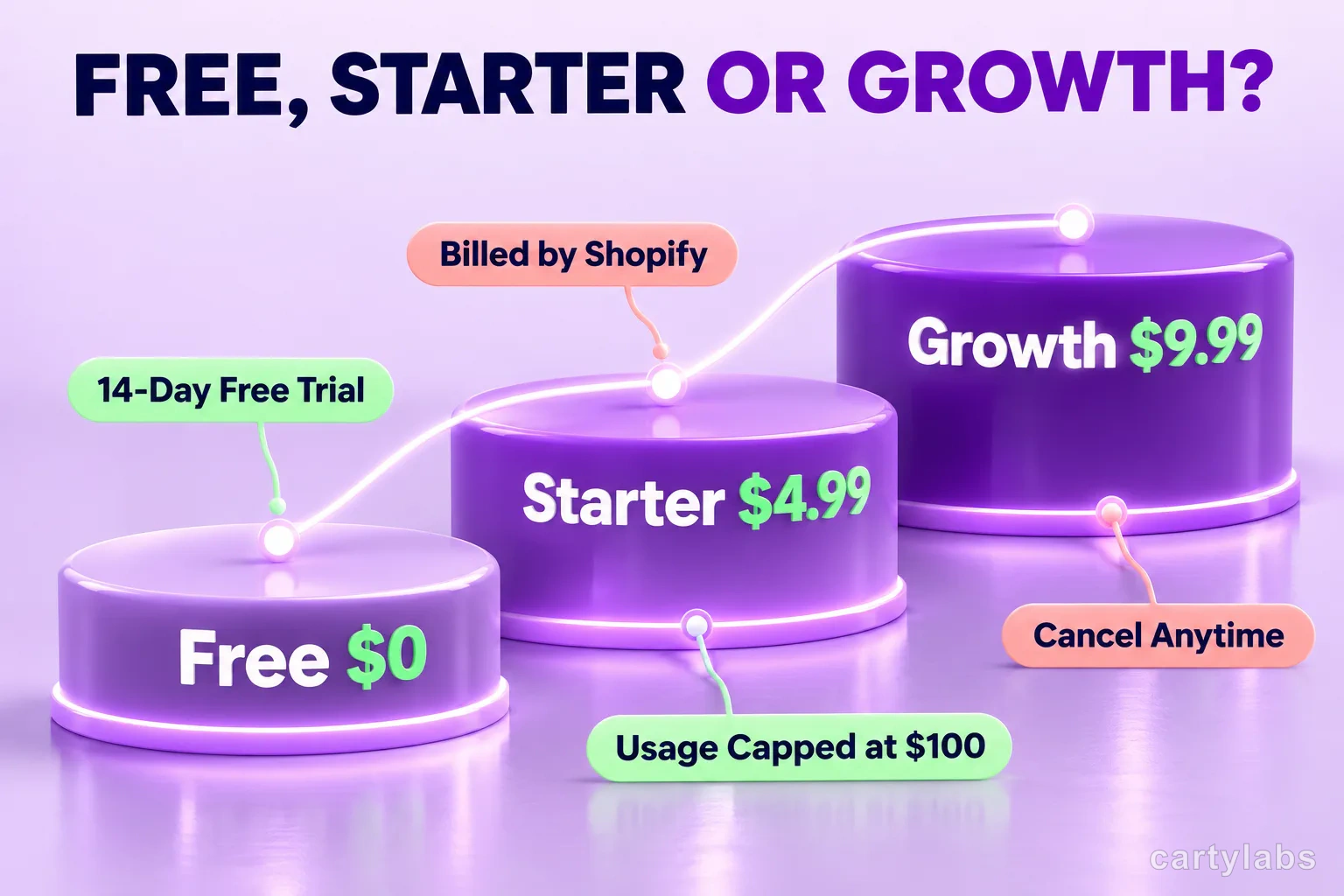
Which Cartylabs Plan Do You Need? Free, Starter, or Growth
Compare Cartylabs pricing for Shopify: Free covers sticky cart tools, Starter adds the drawer, and Growth adds advanced offers and analytics with capped usage fees.

Cartylabs Cart Drawer Compatibility with Shopify Themes
Cartylabs connects your Shopify theme's cart icon, add-to-cart buttons, and many product-card quick-add buttons to a smooth cart drawer.
 Install Cart — Free