
Checkout Extensibility: What Cart App Owners Need to Know
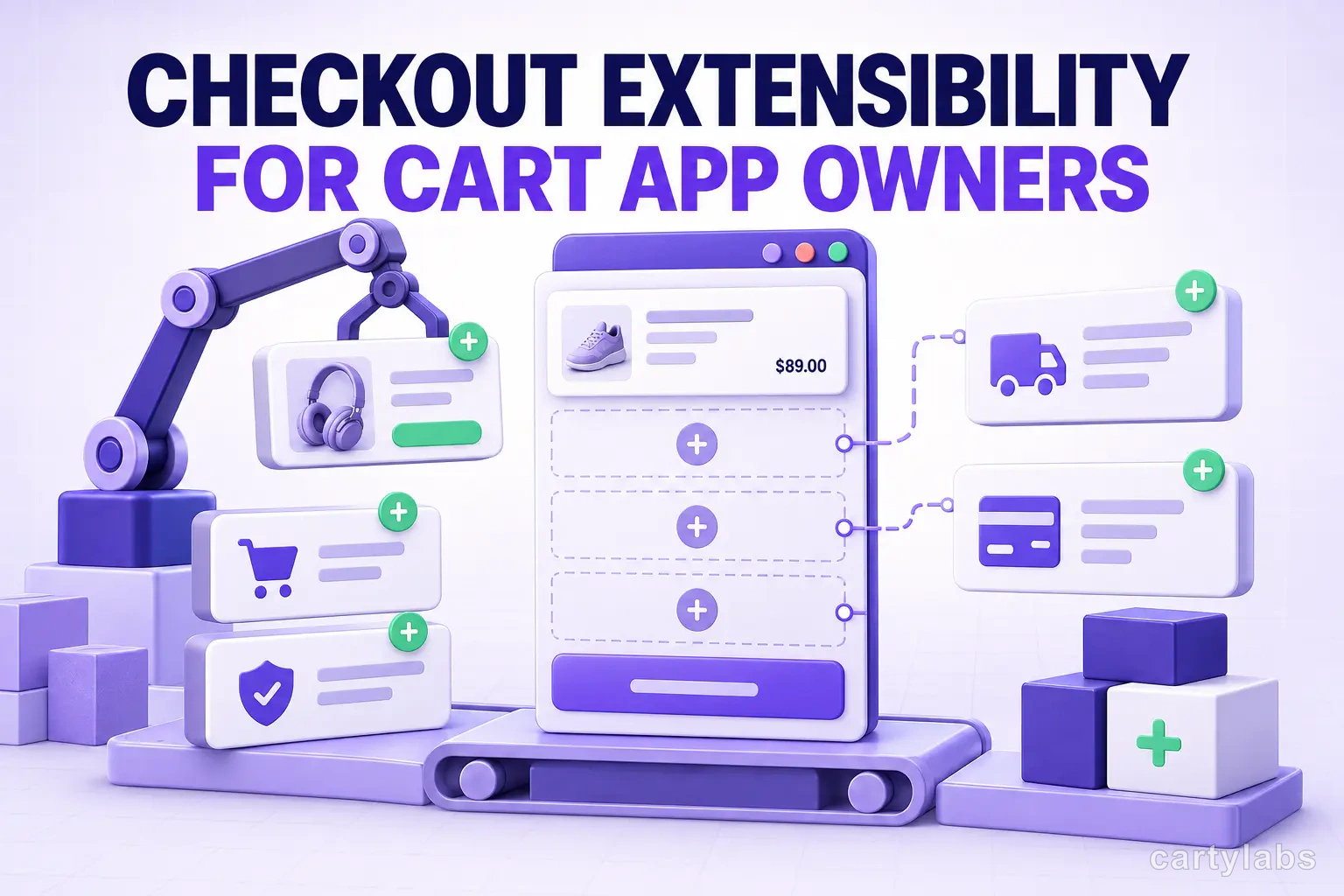
Checkout Extensibility replaced checkout.liquid in 2025. Here's what cart app owners need to know about UI Extensions, Functions, and the new customization model.
In this article
- 01 What is Checkout Extensibility?#
- 02 Why this happened#
- 03 The four customization surfaces#
- 04 Checkout UI Extensions: the rendering model#
- 05 What you can’t do (and shouldn’t try)#
- 06 Functions: the logic layer#
- 07 Branding API: respect the merchant’s design#
- 08 Web Pixels: the analytics surface#
- 09 Migration patterns from checkout.liquid#
- 10 Performance: extensions have a budget#
- 11 The merchant install experience#
- 12 Checkout Extensibility on non-Plus plans#
- 13 Common pitfalls#
- 14 A short summary#
If you ran a Shopify Plus store in 2024, you probably had at least one developer with strong opinions about checkout.liquid — the per-page Liquid template that let merchants customize the checkout in any direction they wanted, including directions Shopify never intended. As of August 2025, that surface is gone. Plus merchants who didn’t migrate to Checkout Extensibility had their checkout reverted to the default and lost every customization they’d built over the prior decade.
For cart app owners, the change is a forcing function. Anything your app injected into checkout via Liquid — a custom upsell, a loyalty widget, a shipping protection toggle — has to be rebuilt as a Checkout UI Extension. This guide covers what Checkout Extensibility actually is, the four customization surfaces it exposes, the migration patterns that work, and the things checkout.liquid could do that Extensibility deliberately cannot.
What is Checkout Extensibility?
Checkout Extensibility is Shopify’s modern checkout customization framework, replacing the legacy checkout.liquid template. It exposes four customization surfaces — UI Extensions (React-like components rendered in fixed slots), Functions (server-side WebAssembly logic), Branding API (CSS-equivalent visual control), and Web Pixels (analytics events). Together they let merchants and apps customize checkout without owning the underlying HTML, which is the trade-off Shopify made for upgradeability and security.
That definition matters because the framing — “you don’t own the HTML” — is the central constraint cart app owners need to internalize.
Why this happened
checkout.liquid was a security and performance liability. Every Plus store had a slightly different checkout, which meant Shopify couldn’t ship checkout improvements (Shop Pay, accelerated payments, accessibility fixes, fraud detection) without breaking some merchant’s custom Liquid. Checkout Extensibility flipped the model: Shopify owns the checkout chrome, apps and merchants own the extension slots.
The trade-off, honestly stated:
- Wins: faster checkout, automatic upgrades, better mobile, real component model
- Losses: no full layout control, no custom checkout URLs, no Liquid in checkout
If your app’s value prop depended on rewriting the checkout layout, Extensibility broke that. If your app’s value prop was logic + small UI adornments, Extensibility made it more reliable.
The four customization surfaces
For cart app owners, here’s what each surface is good for:
| Surface | What it does | Typical cart-app use |
|---|---|---|
| Checkout UI Extensions | Render React components in fixed checkout slots | Upsells, loyalty widgets, gift messages |
| Functions | Server-side cart/discount/delivery logic | Tiered discounts, free-gift unlocks |
| Branding API | Per-merchant visual theming | Brand-matching the extension UI |
| Web Pixels | Analytics events | Conversion tracking, third-party pixels |
A modern cart app like Cartylabs uses three of the four: UI Extensions for in-checkout upsells, Functions for the discount/gift logic, and Web Pixels for the conversion tracking. The Branding API is merchant-controlled, not app-controlled.
Checkout UI Extensions: the rendering model
Extensions are JavaScript modules that export React-like components, run in a sandboxed iframe, and render in named “extension points” — fixed slots Shopify defines. Examples of extension points relevant to cart apps:
purchase.checkout.cart-line-item.render-after— renders below each cart linepurchase.checkout.delivery-address.render-after— renders below the address formpurchase.checkout.block.render— generic block, merchant places it in the editorpurchase.checkout.payment-method-list.render-after— below payment methodspurchase.thank-you.block.render— on the thank-you page
A minimal extension that adds a “ships carbon-neutral” badge below cart lines:
import {
  reactExtension,
  BlockStack,
  Text,
  Icon,
} from '@shopify/ui-extensions-react/checkout';

export default reactExtension(
  'purchase.checkout.cart-line-item.render-after',
  () => <CarbonBadge />,
);

function CarbonBadge() {
  return (
    <BlockStack inlineAlignment="start" spacing="extraTight">
      <Text size="small" appearance="subdued">
        <Icon source="leaf" /> Ships carbon-neutral
      </Text>
    </BlockStack>
  );
}
You don’t write CSS. You compose Shopify’s primitive components (BlockStack, InlineStack, Text, Banner, Button), which inherit the merchant’s Branding API settings. The result looks native because it is native — same components Shopify uses for the checkout itself.
What you can’t do (and shouldn’t try)
The constraint list, for cart app owners specifically:
- No arbitrary HTML or CSS. You compose primitive components only.
- No DOM access. The iframe sandbox blocks
document,window.parent, and most browser globals. - No external scripts. No Google Tag Manager, no third-party JS, no jQuery.
- No layout overrides. You render in a slot; you don’t move the slot.
- No checkout-page redirects. You can’t redirect to a custom checkout URL.
If your old checkout.liquid integration relied on any of those, the migration isn’t a port — it’s a rewrite of the value prop.
Functions: the logic layer
UI Extensions handle rendering. Shopify Functions handle logic. The pattern that works for cart apps in 2026:
[Storefront cart drawer] → adds line, hits threshold
        ↓
[Function: cart.lines.discounts.generate.run] → enforces the discount
        ↓
[Checkout UI Extension] → renders the unlocked-reward banner in checkout
        ↓
[Web Pixel] → fires conversion event with cart metadata
Each piece is replaceable. A merchant who doesn’t want the in-checkout banner disables the UI Extension; the Function still enforces the discount. A merchant who wants their own analytics swaps the Pixel.
Branding API: respect the merchant’s design
The Branding API exposes typography, color tokens, spacing, and corner radii to extensions. Your extension components automatically inherit them — <Text appearance="critical"> is red on most stores, but it’s whatever the merchant configured if they overrode the danger color.
The corollary: don’t hardcode colors or spacing. If your extension hardcodes #FF0000 or padding: 12px, it’ll look wrong on stores that customized the theme. Use appearance and padding props with semantic values (base, tight, loose).
Web Pixels: the analytics surface
checkout.liquid used to be where merchants pasted Facebook Pixel, Google Analytics, TikTok, Pinterest tags, and seven affiliate scripts. Web Pixels replace that, with the upside that they run in a sandbox and can’t break checkout, and the downside that you have to register them as a Shopify app extension.
Cart apps that report analytics back to merchants need a Pixel for the events Shopify doesn’t already emit (cart abandonment with line metadata, threshold-unlock events, upsell-acceptance rates). See our GA4 cart tracking guide for the event taxonomy that matters.
Migration patterns from checkout.liquid
The five patterns we see most often, with their Extensibility translations:
Old checkout.liquid pattern | Extensibility equivalent |
|---|---|
| Custom upsell injected via JS | UI Extension at cart-line-item.render-after |
Tiered discount via Liquid if | Function at discounts.generate.run |
| Custom checkout banner | UI Extension at checkout.block.render |
| Pasted Facebook Pixel | Web Pixel app extension |
| Custom CSS overrides | Branding API |
The hardest pattern to migrate: stores that used checkout.liquid to rearrange the checkout layout (move payment above shipping, hide the “order summary” sidebar). Extensibility doesn’t allow that. Those merchants either (a) accept Shopify’s default order, or (b) build a fully custom checkout via Hydrogen, which is a much larger project.
Performance: extensions have a budget
UI Extensions have hard performance constraints:
- Bundle size: 64KB compressed per extension
- Render budget: 50ms initial, 16ms per update
- No external network calls during initial render
The bundle limit is real. A naive React component tree with three icons and two API client libraries can easily exceed 64KB. Strategies that work:
- Use Shopify’s built-in
Iconcomponent instead of importing icon libraries - Defer non-critical fetches to
useEffectwith a loading state - Split functionality across multiple extensions if you need more bundle headroom
The merchant install experience
In 2026, merchants enable extensions via the Checkout & Accounts editor (Settings → Checkout → Customize). Each extension you ship as part of an app shows up as a draggable block in the editor. Merchants can:
- Toggle extensions on/off
- Move them between supported extension points (within the constraints you declared)
- Configure exposed settings (defined in
shopify.extension.toml)
This is a meaningful change from the old “paste the snippet into checkout.liquid” workflow. Merchants now control placement; your job is to expose the right settings.
A typical shopify.extension.toml for a cart app upsell extension:
api_version = "2026-01"

[[extensions]]
type = "ui_extension"
name = "Cartylabs In-Checkout Upsell"
handle = "cartylabs-checkout-upsell"

  [[extensions.targeting]]
  module = "./src/Upsell.jsx"
  target = "purchase.checkout.cart-line-item.render-after"

  [extensions.settings]
    [[extensions.settings.fields]]
    key = "max_recommendations"
    type = "number_integer"
    name = "Max recommendations to show"
    default = 3
Merchants set max_recommendations in the editor; your component reads it via the useSettings hook.
Checkout Extensibility on non-Plus plans
A misconception worth correcting: Checkout Extensibility is not Plus-only. Shopify Standard, Advanced, and Basic plans all support UI Extensions and Functions. The Plus-only piece is the Checkout & Accounts editor’s full customization surface — non-Plus merchants get a more constrained editor with fewer extension points exposed.
For cart app developers, this means: build extensions once, ship to all plans, and let merchants enable what their plan supports. Don’t gate your app to Plus unless your value prop genuinely requires Plus-only extension points.
Common pitfalls
Pitfalls we’ve seen cart app developers hit in their first Extensibility build:
- Hardcoded copy in the extension bundle. Use the i18n localization API; merchants run multi-language carts and your extension needs to follow.
- Bypassing Functions for “convenience.” If you compute discounts in the UI extension and apply them via a draft order API, you’ve built a security hole. Use Functions.
- Over-rendering. Extensions re-render on every cart update. Memoize aggressively.
- Ignoring the thank-you and order-status pages. Post-purchase upsell extensions live there, separate from checkout. Two different extension types.
A short summary
Checkout Extensibility is the new contract for customizing Shopify checkout: UI Extensions render, Functions decide, Branding API styles, Web Pixels measure. The old checkout.liquid model is gone, and with it the ability to rewrite the checkout layout — but in exchange, extensions are upgrade-safe, sandboxed, and available on every Shopify plan, not just Plus.
For cart app owners, the migration is finite work but the model is permanent. Build extensions that compose Shopify’s primitives, lean on Functions for any logic that must be enforced, and respect the merchant’s Branding API. The result is a cart-to-checkout experience that survives every future Shopify checkout upgrade.
Want a cart app that already runs cleanly on Checkout Extensibility, with UI Extensions, Functions, and Web Pixels in one install? Install Cartylabs free on Shopify, or book a 15-minute architecture review and we’ll walk through the Extensibility surface for your store.
Next steps
Related Shopify resources
Practical tools and product pages related to this guide.
Keep reading
All articles →
Shopify Functions for Cart Customization: A Dev's Guide
Shopify Functions replaced Shopify Scripts. Here's how to use them for cart discounts, delivery customization, and payment logic — with working Rust and JavaScript code.
Shopify Markets: Localizing the Cart for International Buyers
Shopify Markets handles currency, language, and domains per region. Here's how to localize the cart drawer, rewards, and upsells without breaking conversion.
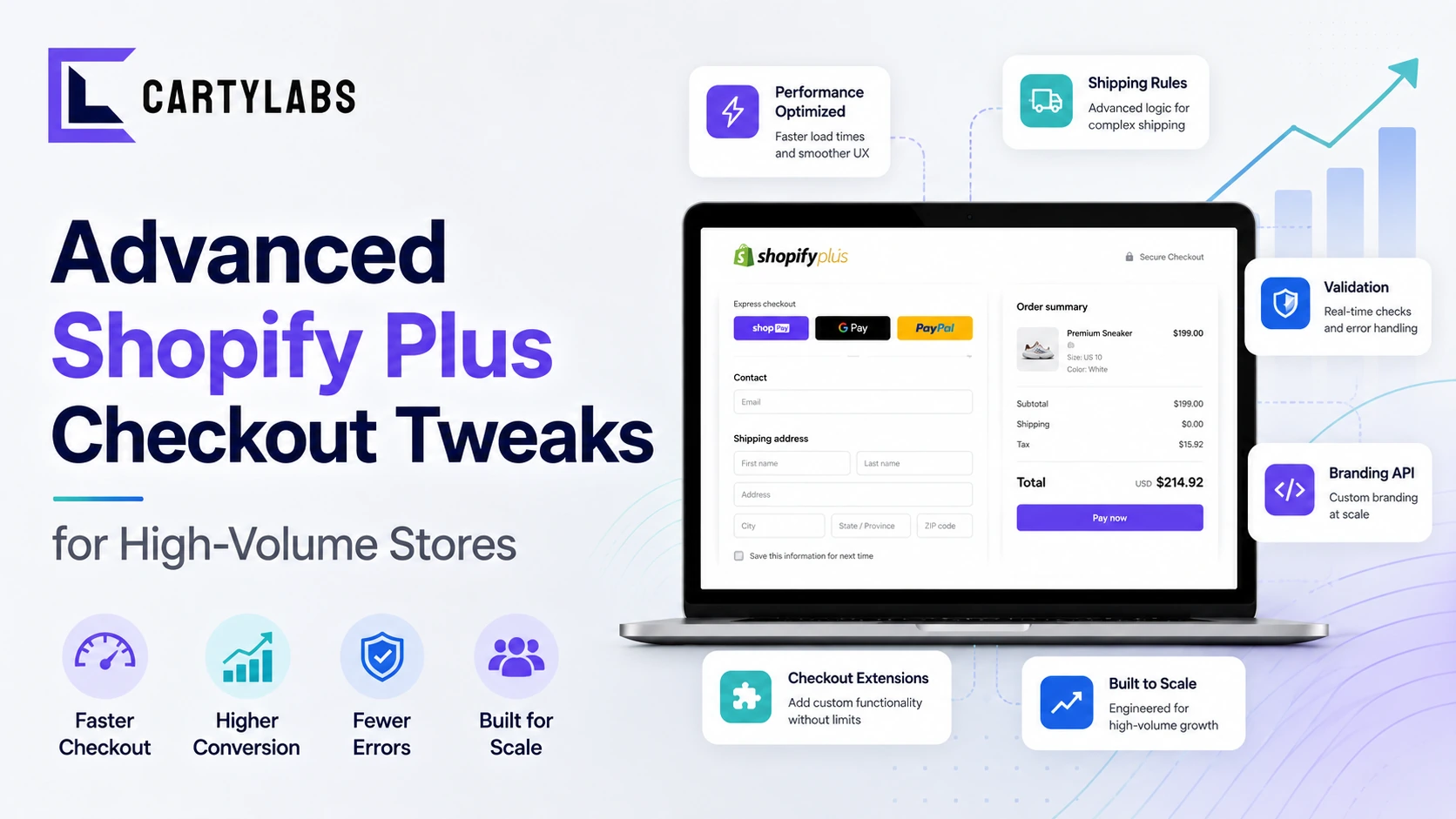
Advanced Shopify Plus Checkout Tweaks for High-Volume Stores
Squeeze extra conversion from Shopify Plus checkout with advanced tweaks covering branding API, custom validation, dynamic shipping rules, and Checkout UI Extensions for high-volume stores.
 Install Cart — Free