
Shopify SEO & AI Search Checklist: 30 Fixes for Organic + AI Traffic in 2026
A practical Shopify SEO checklist: technical fixes, on-page optimization, structured data, Core Web Vitals, and AI search tactics for 2026.
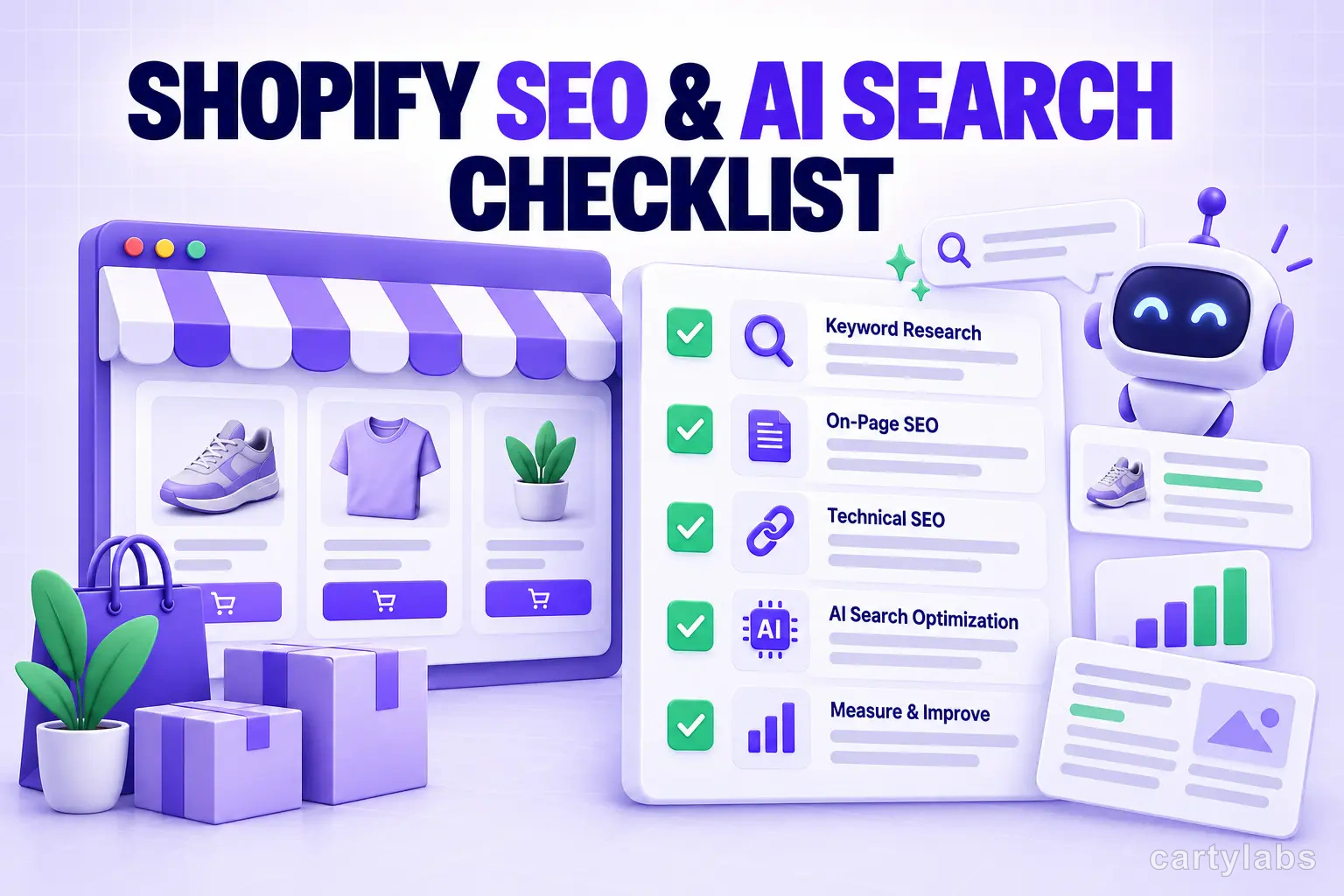
In this article
Shopify SEO has a reputation for being complicated. It isn’t, but it does have a long checklist of small fixes that compound. Start with crawlability, useful content, internal links, page experience, and accurate page metadata before chasing advanced tactics.
Search in 2026 includes traditional results and AI-generated answers from systems such as Google AI features, ChatGPT, Perplexity, and Bing Copilot. The underlying practices mostly overlap: useful content, crawlable pages, clear internal links, good page experience, and accurate structured data. Google says there are no additional AI-specific technical requirements. See Google’s AI-features guidance.
This is a practical checklist of 30 fixes, organized by priority. Work through them in order, measure the baseline, and prioritize changes that improve the experience for your customers.
Technical foundations (do these first)
1. Submit your sitemap to Google Search Console
Shopify auto-generates a sitemap. Submit the sitemap URL to Search Console under Sitemaps as a helpful discovery signal, while remembering that Google primarily discovers pages through crawlable links.
2. Verify your domain in Bing Webmaster Tools
Bing Webmaster Tools is free, takes a few minutes to set up, and can surface issues or query data that complements Google Search Console.
3. Set canonical URLs on all collection pages with filters
When shoppers filter /collections/all by color or size, Shopify creates URLs like /collections/all?filter.p.product_type=Shirt. Each variant looks like a duplicate page to Google. Add <link rel="canonical"> pointing to the unfiltered collection.
4. Block trash URLs in robots.txt
Block crawlers from /cart, /checkout, /account, search results, and tag pages. Keeps Google focused on indexable content.
5. Fix Core Web Vitals
Run PageSpeed Insights on your homepage and a representative product page. Target:
- LCP < 2.5s (largest image loads quickly)
- CLS < 0.1 (no layout shifts as the page loads)
- INP < 200ms (interactions respond fast)
Common Shopify CWV killers: unoptimized hero images, oversized third-party scripts, blocking webfonts, cart apps that inject layout-shifting elements. Mobile is where this hurts most. See our mobile conversion optimization guide for the speed-specific fixes.
6. Lazy-load below-the-fold images
Add loading="lazy" to images below the first viewport when appropriate. Verify the result with PageSpeed Insights and make sure the main content image is not lazy-loaded.
URL and navigation structure
7. Use clean, keyword-rich URLs
/products/wool-running-socks beats /products/sku-12498. Shopify lets you edit handles in the product admin.
8. Avoid orphan pages
Every product page should be reachable from at least one collection page that’s reachable from the navigation. Run a crawl with Screaming Frog (free up to 500 URLs) to find orphans.
9. Limit breadcrumb depth to 3-4 levels
Home → Collection → Product is enough. Deeper hierarchies dilute internal link authority.
10. Set up internal linking from blog posts to products
Every blog post should link to relevant product, solution, tool, or collection pages when those links help the reader. Use descriptive anchors and avoid forcing the same number of links into every article.
On-page optimization
11. Write product titles that include the keyword shoppers search for
“Wool Running Socks, Crew Length, Merino Blend” beats “The Trailblazer.” Brand names earn search demand only after years of marketing. Keyword-bearing titles earn it from day one.
12. Write complete product descriptions
Write enough original description to answer the customer’s questions: materials, fit, use cases, care, compatibility, or limitations. There is no universal minimum word count. (Our product page best practices guide covers the full PDP element list, not just the SEO angle.)
13. Add unique meta descriptions to every page
Don’t let Shopify auto-generate them when the result is vague. Write a concise, accurate description that explains the page’s value; Google may rewrite snippets based on the query.
14. Use H1 → H2 → H3 hierarchy correctly
One H1 per page (the product title). H2s for major sections (description, materials, reviews). Don’t skip levels.
15. Add alt text to every product image
Describe what’s in the image, not the brand or SKU. “Charcoal grey merino wool crew sock on white background” beats “trailblazer-sock-charcoal.jpg.”
Structured data
16. Add Product schema to product pages
Shopify themes ship Product schema by default, but check that price, availability, and aggregateRating are populated. Use Google’s Rich Results Test to validate.
17. Add Review schema for product reviews
If you display reviews, use accurate review markup that matches the visible reviews and the applicable guidelines. Most review apps (Judge.me, Yotpo, Stamped) inject this automatically.
18. Add Breadcrumb schema to category pages
Describes the hierarchy and may help search systems present the page path in results.
19. Add Organization schema to your homepage
Includes your logo, social profiles, and contact info. Triggers Google’s brand panel for branded searches.
Content marketing
20. Publish 4-8 long-form blog posts per quarter
Target questions your shoppers search before they’re ready to buy (“how to,” “best,” “vs,” and “guide” queries). Choose the length needed to answer the question well, and add original research only when you can explain the source and method.
21. Update old posts every 6-12 months
Refreshing an older post with current data, screenshots, and links can improve usefulness. Update dateModified only after a meaningful review, and compare performance against a baseline.
22. Build category-level “ultimate guide” content
For each important collection, consider a useful guide that answers the main customer questions and links to the collection. There is no universal minimum word count. “Best running socks: a buyer’s guide” is one example of content that can capture earlier-funnel demand.
Off-page
23. Earn relevant industry mentions
For most categories, a handful of relevant, trustworthy mentions is more useful than a large volume of generic links. Find blogs in your niche that publish useful comparisons or round-ups and pitch accurate, customer-focused information. Never buy or manufacture mentions. (If you’re earlier in the journey, the zero-to-$10K launch playbook covers the full first-90-days operations side.)
AI search optimization (fixes 24-30)
Google AI features, ChatGPT, and Perplexity may send referrals, but visibility and measurement vary. The same SEO fundamentals remain the baseline for both traditional results and AI-generated answers.
24. Reformat key sections as direct questions and answers
Question-style headings can make a section easier to scan. Write the question your shoppers actually ask, then answer it near the beginning without sacrificing necessary context or evidence.
Before: Setting your threshold
After: How do you set a free shipping threshold that lifts AOV?
25. Add FAQPage schema to product and collection pages
Use FAQPage only when the questions and answers are visible and genuinely useful. It may help search systems understand the section, but it does not guarantee a rich result or an AI citation. Google currently limits FAQ rich results primarily to well-known authoritative government and health sites.
Most Shopify themes don’t inject FAQPage schema automatically. You’ll need to add a JSON-LD block to the product template or use a schema app.
26. Add HowTo schema to tutorial blog posts
For a visible, genuine tutorial (“how to set up free returns on Shopify,” “how to create a bundle”), HowTo can describe each step. It does not guarantee that an AI system will reproduce the steps, and it should not be added to every numbered list.
27. Build topical authority clusters around your core category
Interconnected, useful content can give readers and search systems broader context than isolated keyword pages. For a cart optimization app like Cartylabs, this means publishing useful posts on cart UX, AOV levers, checkout flow, upsell patterns, and abandonment recovery, then linking them together.
28. Get your brand mentioned in third-party “best of” round-ups
Legitimate third-party reviews and mentions can support brand discovery and traditional authority. They do not guarantee AI visibility, so prioritize accurate listings, useful partnerships, and honest reviews over placement quotas. Never buy or manufacture mentions.
29. Establish your brand as a named entity
Consistent organization information helps users and search systems disambiguate a brand. Steps that help:
- Claim your Google Business Profile, even as a Shopify app.
- Add Organization schema to your homepage with consistent name, URL, logo, and social profiles.
- Ensure your brand name is spelled and formatted identically across all surfaces (Shopify app listing, your website, press mentions, app store reviews).
- Use
sameAsonly for official profiles that genuinely represent the organization.
Consistent naming is useful, but it cannot guarantee inclusion in an AI answer.
30. Track AI referral traffic in GA4
Set up a custom channel group in GA4 to separate AI referrals from direct traffic:
chatgpt.com→ ChatGPT referralsperplexity.ai→ Perplexity referralsbing.com/chatandcopilot.microsoft.com→ Bing Copilot- Google AI features may appear in standard organic reporting without a distinct referrer. Use Search Console and conversion data rather than treating incidental URL parameters as proof of an AI visit.
Measuring AI traffic separately helps you compare landing pages and conversions, but it will not reveal every citation or impression.
Common Shopify SEO mistakes
A few patterns that quietly tank stores:
- Duplicating canonical URLs across product variants. Each variant page should point to the parent product as canonical.
- Letting Shopify create thin tag pages. Tag pages (
/collections/all/tagname) are usually indexable by default. If they’re thin (3-5 products), block them. - Removing products without 301 redirects. Discontinued products should redirect to the closest replacement or the parent category.
- Forgetting hreflang on multi-region stores. If you run separate domains for US/UK/AU, hreflang tells Google which version to show in which region.
- Blocking your collection pages with noindex. Sometimes themes do this. Check via View Source on a collection page.
A 30-day execution plan
If you’ve never done a Shopify SEO audit:
Week 1: Submit sitemap. Run PageSpeed Insights on 5 pages. Fix top 3 CWV issues. Set up GA4 AI referral channel groups (fix #30). Week 2: Audit product titles and meta descriptions on your top 20 products by traffic. Rewrite each. Add FAQPage schema only to product pages with a visible, eligible FAQ (fix #25). Week 3: Improve the descriptions on your top 50 products so they answer customer questions. Write or refresh 2 useful blog posts in a clear Q&A format and add HowTo schema only to genuine visible tutorials (fixes #24, #26). Week 4: Run Screaming Frog crawl. Fix orphan pages, broken links, and redirect chains. Validate Product schema. Audit brand entity consistency across all surfaces (fix #29).
Review performance after your normal indexing and reporting cycles. Results vary by site, query, market, and implementation; do not promise a fixed SEO or AI-referral timeline.
A short summary
Shopify SEO in 2026 includes traditional results and AI-generated answers. The technical and on-page fixes (1-23) also support AI visibility, while the later items focus on clear answers and measurement. Google says there are no special AI files or markup requirements beyond normal search eligibility. Quality content, accurate structured data, and clear internal links are the shared foundation.
Work through this checklist in order (technical first, on-page second, content third, AI last) and you’ll outrank most competitors who’re still treating SEO as a 2023 problem.
Want a Shopify cart that doesn’t tank your Core Web Vitals? Install Cartylabs free on Shopify. Built for performance, with a 14-day free trial.
Learn more: Shopify cart drawer app, Cartylabs features
Next steps
Related Shopify resources
Practical tools and product pages related to this guide.
Keep reading
All articles →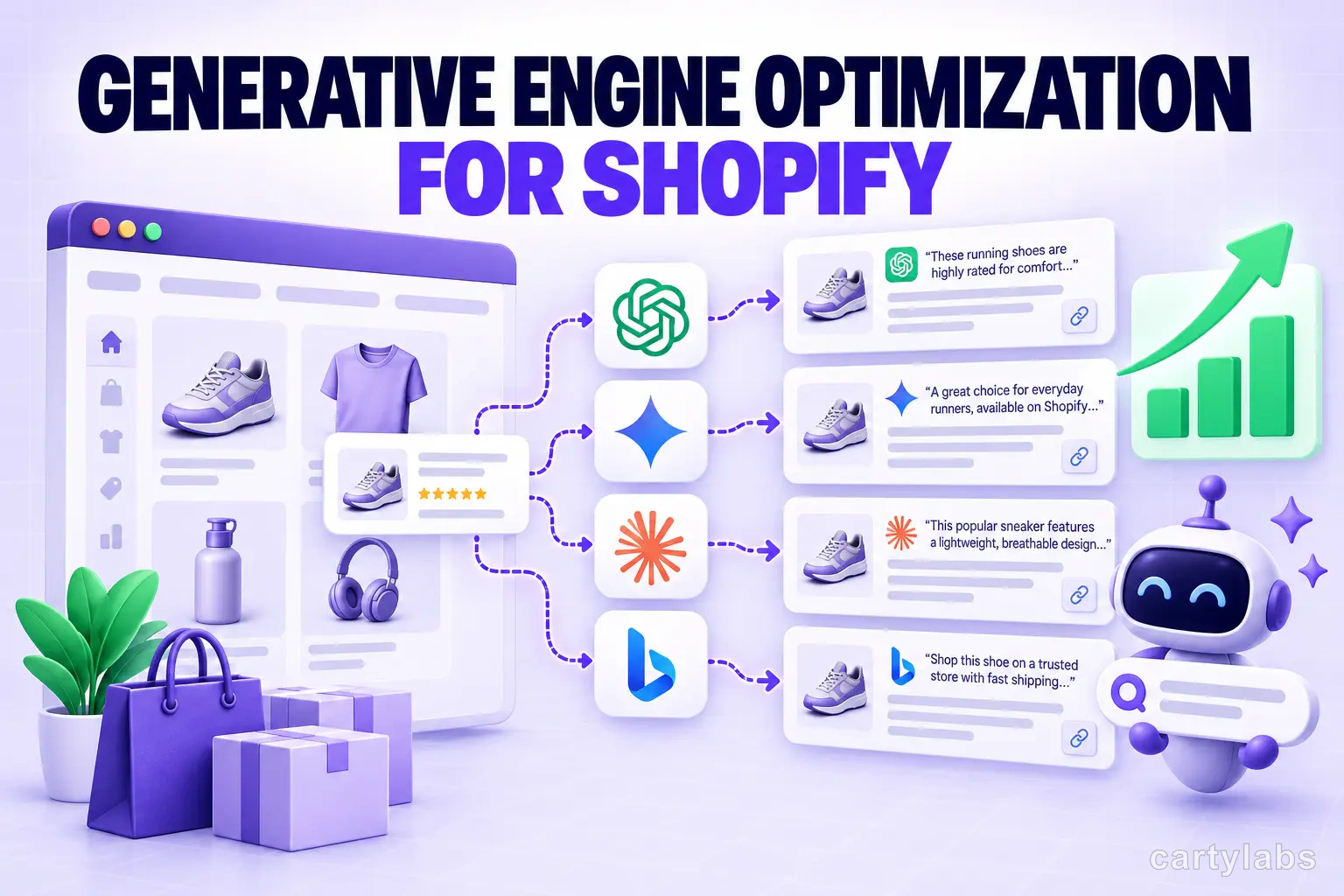
Generative Engine Optimization for Shopify: Practical AI Search Visibility
A practical GEO playbook for Shopify stores: improve crawlability, content clarity, internal linking, and measurement for Google AI features and other answer engines.
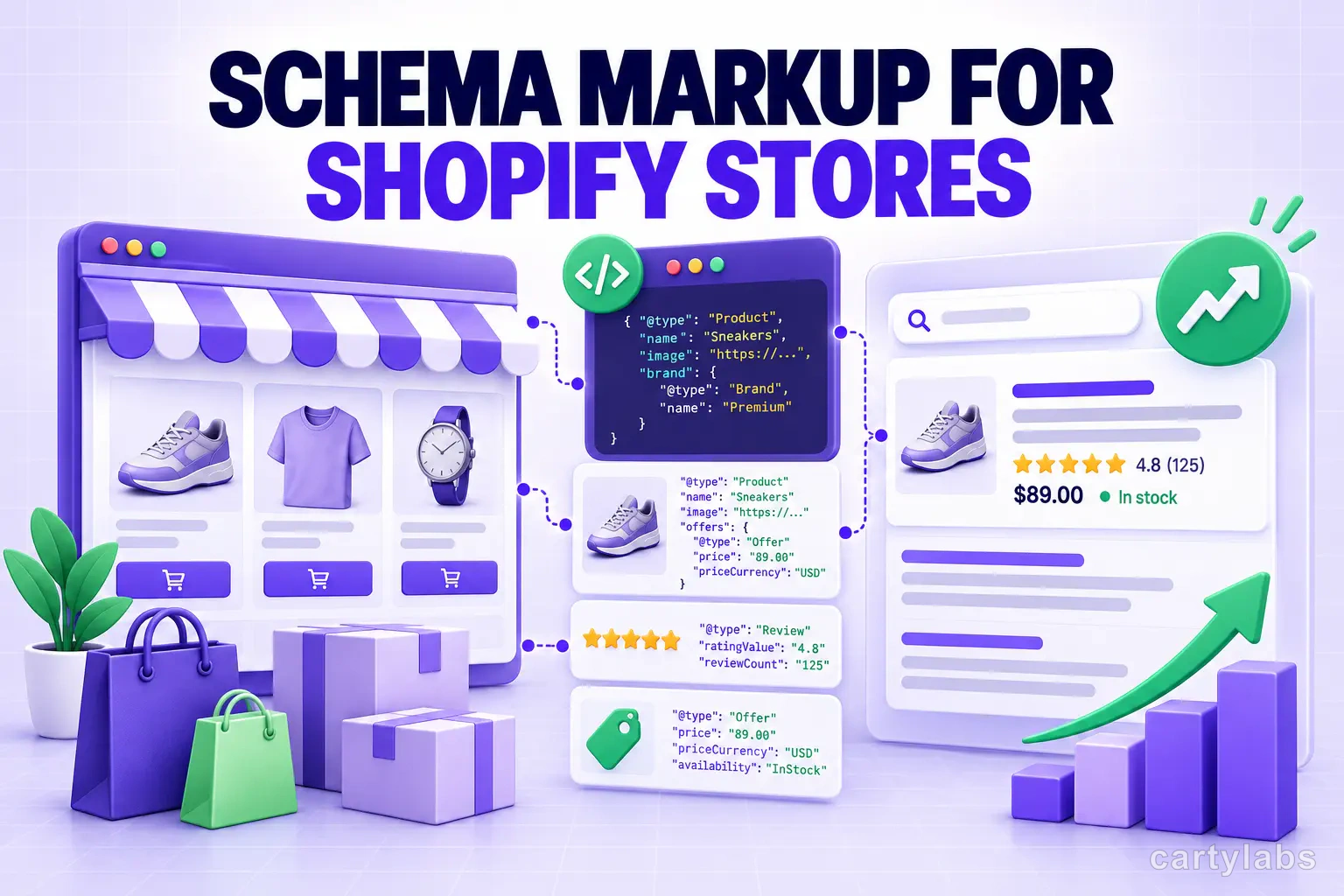
Schema Markup for Shopify Stores: A Practical Structured Data Guide
A practical guide to Shopify schema markup: which JSON-LD types describe products, FAQs, articles, breadcrumbs, and organizations, plus how to validate them.
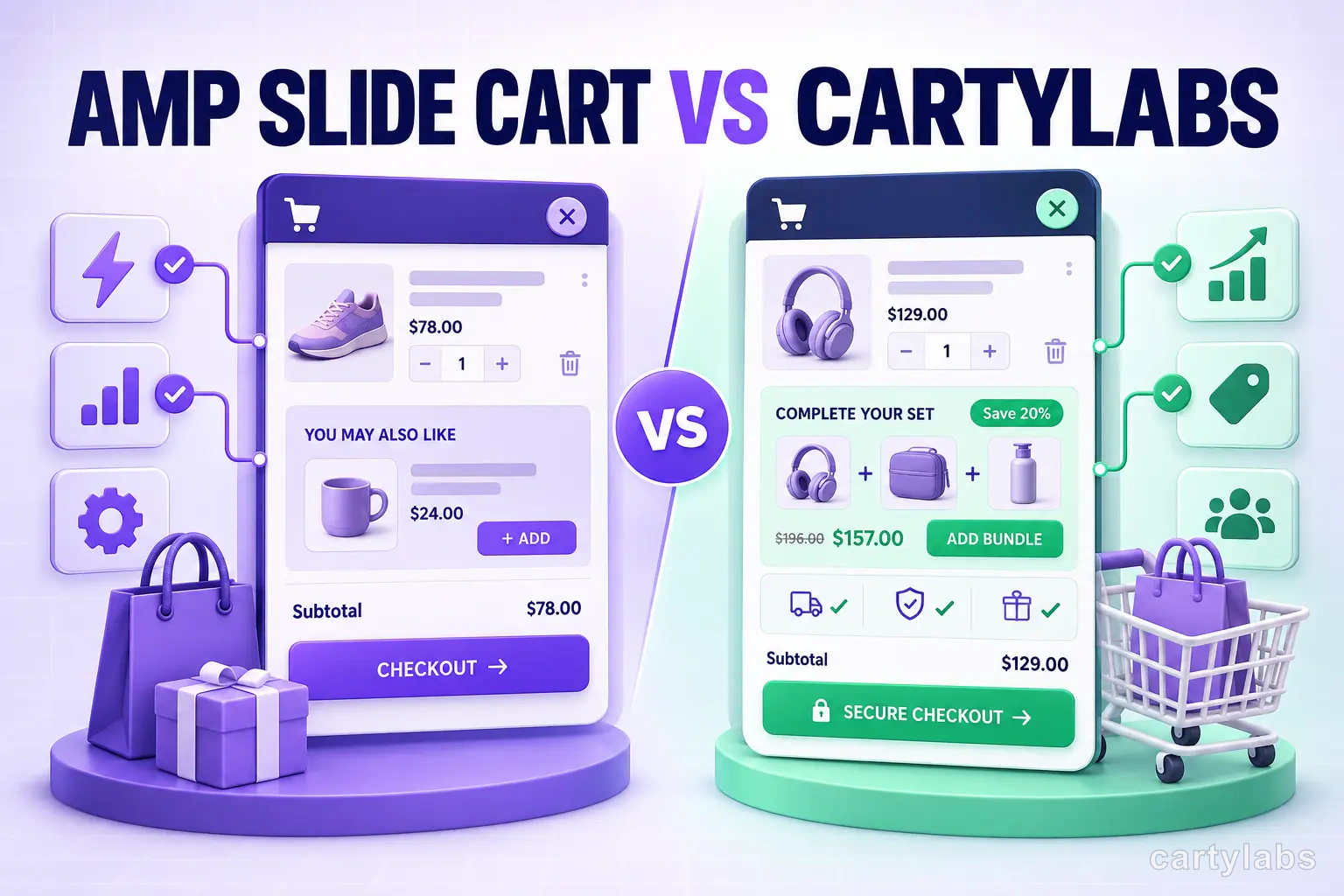
Amp Slide Cart vs Cartylabs: Feature-by-Feature Breakdown
Amp Slide Cart vs Cartylabs compared on Shopify cart drawers, AI upsells, rewards bars, pricing, and setup. An honest, tested breakdown for 2026 merchants.
 Install Cart — Free